

ProWidgetStorytelling & motion
Multi Scroll
Advance two coordinated visual tracks without duplicating reading order.
A specialized variant of Scroll Story: two content tracks synced to scroll, instead of one track of sections. Need a single section-by-section story? Scroll Story covers that more simply.
Preview
See this component in action
This component demonstrates best in real context: open the full demo to try it.
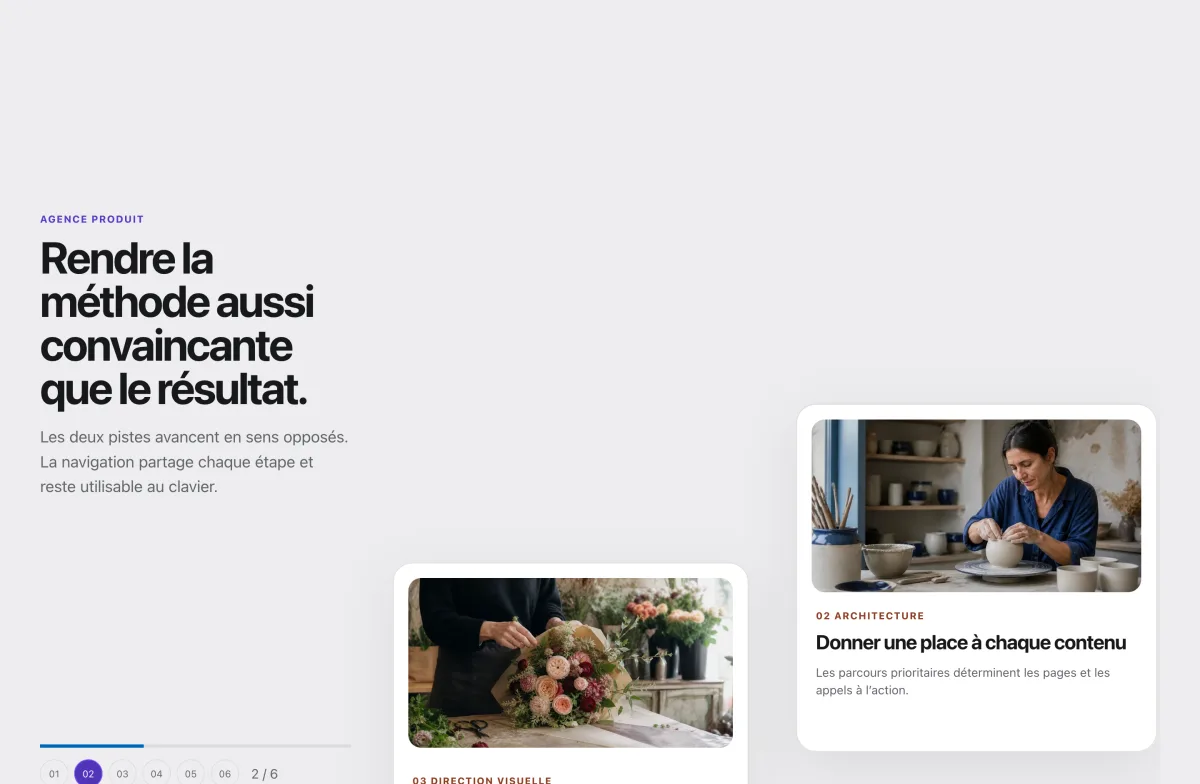
Concrete use cases
- Agency method
- Comparative timeline
- Woodworking process
Key strengths
- Two tracks and three directions
- Single DOM order
- Native-stack mobile fallback
Easy to use
1. Add the widget
Drag Multi Scroll from the Elementor panel, like any native widget — no separate editor to learn.
2. Configure it in the panel
The controls that matter are exposed right in the Elementor panel, with a preview that updates live.
3. Publish
The published result matches exactly what you see in the editor, on desktop and on mobile.
Frequently asked questions
Does Multi Scroll require Elementor Pro?
No. Every Snap Opus widget, including Multi Scroll, works with the free version of Elementor. Elementor Pro is not a requirement.
Is Multi Scroll free or part of the Pro plan?
Multi Scroll is part of the Pro catalogue. The Free edition stays usable at no cost with its own set of essential modules.
Where can I try Multi Scroll before deciding?
The full demo above is the real widget, running on this local site — not a screenshot or a video. Every control shown in Elementor’s editor is manipulable there.
Is Multi Scroll responsive and accessible?
Yes. Multi Scroll is designed mobile-first, with keyboard support and, where relevant, a reduced-motion fallback — the same accessibility bar as the rest of the Snap Opus catalogue.
How is Multi Scroll different from a native Elementor widget?
Multi Scroll covers a real use case in the “Storytelling & motion” family that Elementor’s own widget library does not address out of the box, while staying consistent with Elementor’s editing conventions — no separate builder to learn.
Is support included?
Yes — every Snap Opus licence, Free or Pro, includes access to the documentation and to human support for setup questions.
Ready to try it?
Part of the Pro catalogue. The Free edition stays usable at no cost with 15 essential modules.